 RMON
RMON
- How to set up your Time zone
- How to create a Telegram bot and use it with RMON
- How to create a Slack APP and use it with RMON
- How to create PagerDuty Integration key and use it with RMON
- Notifications and alerting
- Status pages
- Security checklist
- Company sign-in with OIDC
- Get started with the RMON API
- Backup and recovery
- How to use groups and roles
- How to change user settings
Servers
Self-hosted uptime monitoring from every location that matters.
Monitor websites and network services from your agents. Collect Client checks from browsers, desktop apps and background jobs to see operation results, duration and custom metrics.
- Free manual plan
- Setup from the web interface
- Community support
See the work happening inside your application.
Send operation results, duration and custom metrics from your own code. Compare application versions, platforms and environments alongside your scheduled agent checks.
Measure the visitor’s experience
Collect page-load timings and browser HTTP results to understand the experience on the user’s device.
Explore browser measurementsFollow a local file import
Report whether a CSV import succeeded, how long it took and how many rows were processed or rejected.
See the CSV import exampleRecord completed work
Have an archive job send its result, elapsed time, file count and output size when it finishes.
Explore application checksMonitor the service, response and location behind every incident.
Use RMON for focused uptime checks or combine several check types into one self-hosted monitoring workflow.
Website uptime
Check availability, content, redirects, latency and SSL from multiple locations.
Explore website monitoring → 02API monitoring
Validate status codes, JSON data, headers, authentication and response timing.
Explore API monitoring → 03Multi-location monitoring
Compare results from offices, data centers and regions that represent your users.
Explore monitoring locations → 04Self-hosted monitoring
Keep the monitoring control plane in your infrastructure and manage it from the web.
Explore self-hosted RMON →From the first symptom to the right response.
RMON turns availability data from multiple locations into context your team can act on.
Detect what users feel
Track availability, response validation, latency, SSL expiration and detailed HTTP timings.
Explore HTTP monitoring →See where it breaks
Compare checks from remote RMON Agents and understand whether an incident is local or widespread.
Learn about locations →Route every alert correctly
Send incident and recovery notifications through the channels your team already watches.
Configure notifications →The signal you need. Without the noise.
Move from the high-level state to the details behind every check.
Know what is healthy across every monitoring location.
See check status, response time and recent changes together, then open the exact check that needs attention.
See how RMON works →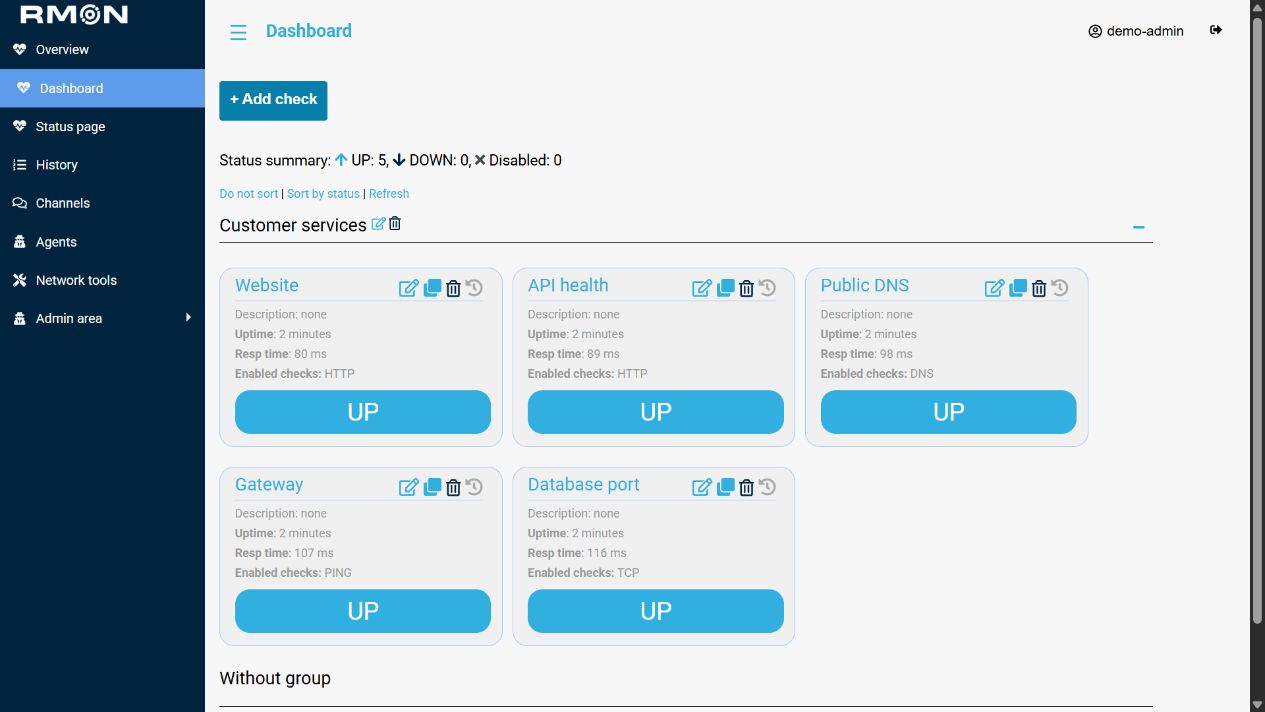
See where each millisecond of a request goes.
Review DNS, connection, TLS, time to first byte and transfer timings alongside the final response.
View HTTP capabilities →Keep incidents and recoveries in the same workflow.
Route alerts to Telegram, Slack, PagerDuty, Mattermost, IncidentRelay or email.
Choose notification channels →Investigate patterns and share service health.
Use check history for analysis and create status pages for a clear view of current availability.
Create a status page →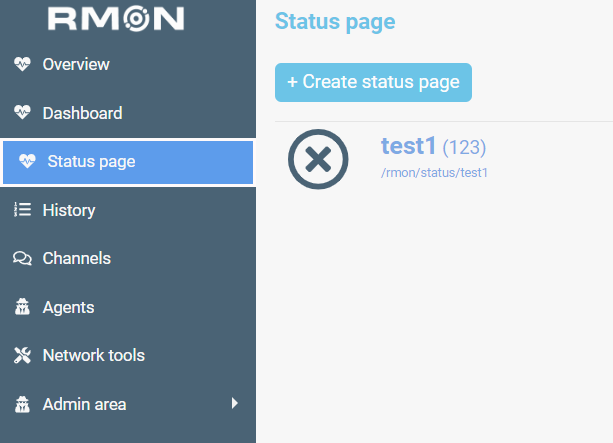
Go from install to useful signal in three steps.
- 01
- 02
- 03
Create checks and alerts
Select a check type, assign locations and route notifications.
Create your first check →
Everything you need to get moving.
What can RMON monitor?
RMON agents run HTTP, Ping, DNS, TCP, SMTP and RabbitMQ checks. Client checks receive operation outcomes and metrics from your applications, including browser page loads, local file imports and background jobs.
Can I monitor from multiple locations?
Yes. Add RMON Agents in the locations you need, then assign checks to them from the RMON web interface.
Do I install the Agent manually?
No. RMON handles Agent installation and management from its web interface.
Where can RMON send alerts?
Notifications can be delivered through Telegram, Slack, PagerDuty, Mattermost, IncidentRelay and email.
Can I start for free?
Yes. The Manual plan is free for non-commercial use and includes one Agent, up to ten checks and community support.
Your next incident should not be a surprise.
Set up RMON and see availability from the locations your users depend on.