RMON screenshots

Current RMON interface, shown with demonstration data. Click an image to enlarge it.

Dashboard
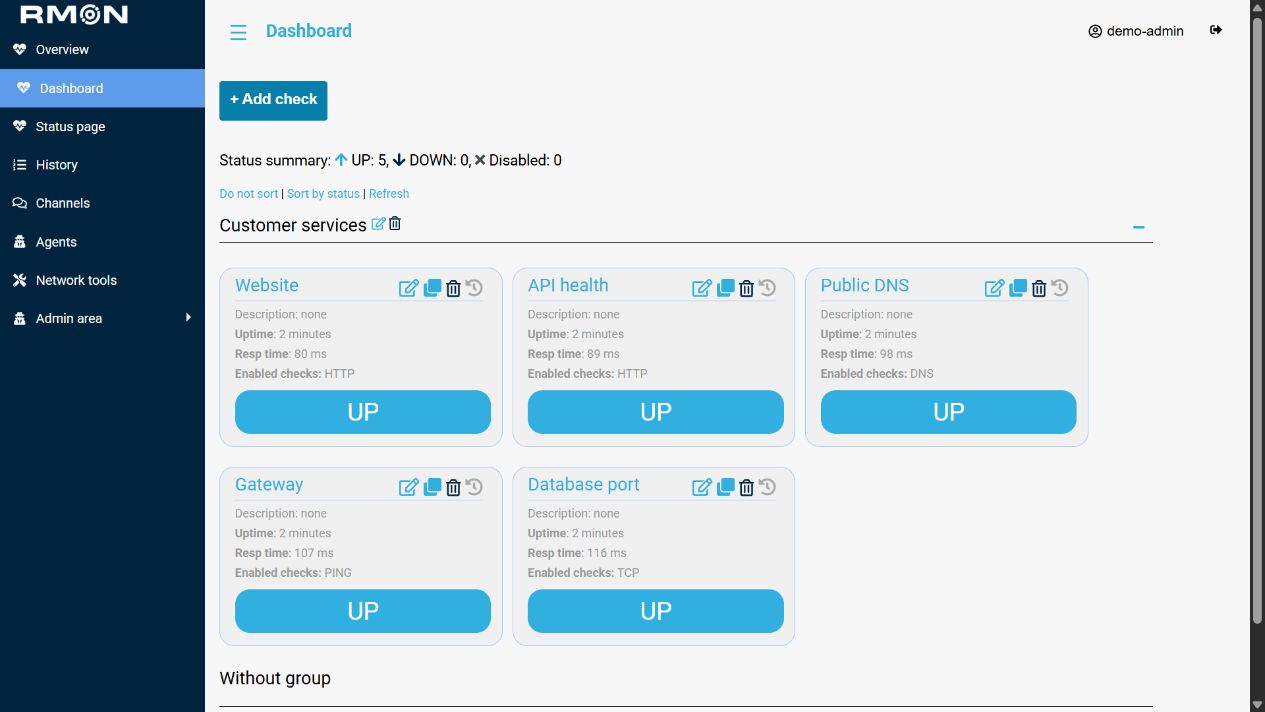
Service availability from multiple locations
Service availability from multiple locations. RMON 1.4, demonstration data. Click to enlarge.

Create checks

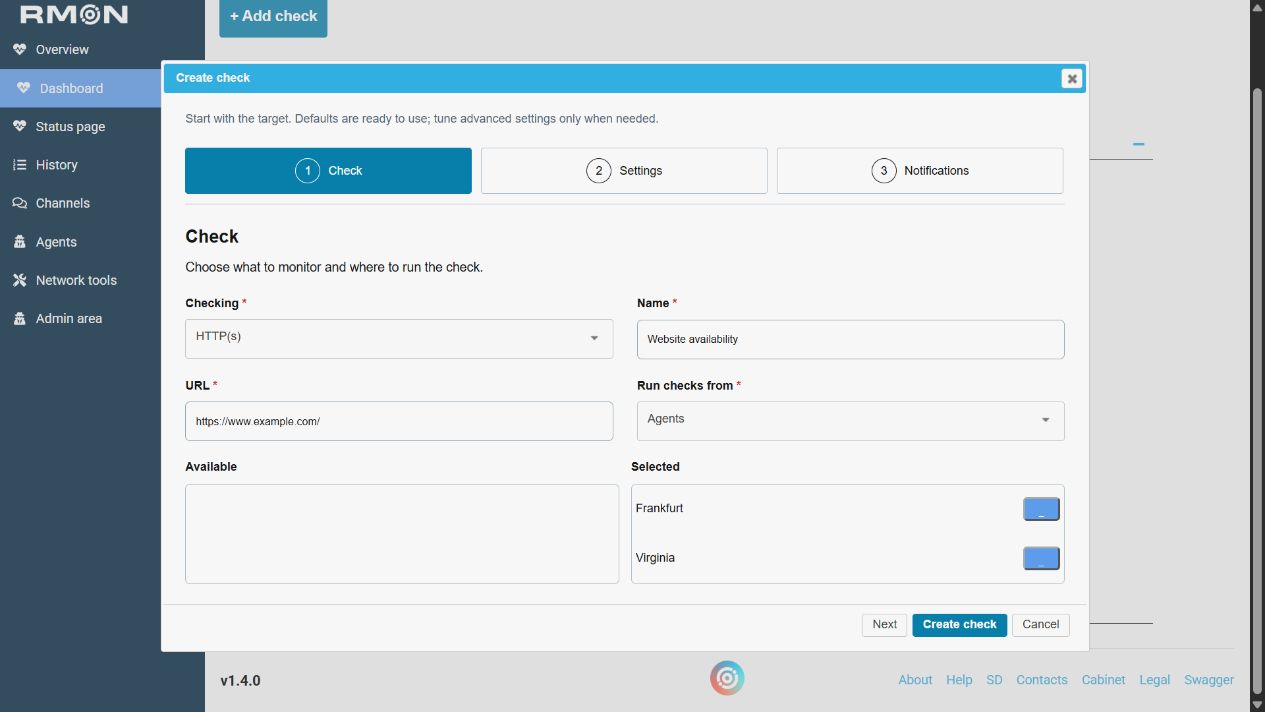
Choose a check target and monitoring agents
Choose a check target and monitoring agents. RMON 1.4, demonstration data. Click to enlarge.
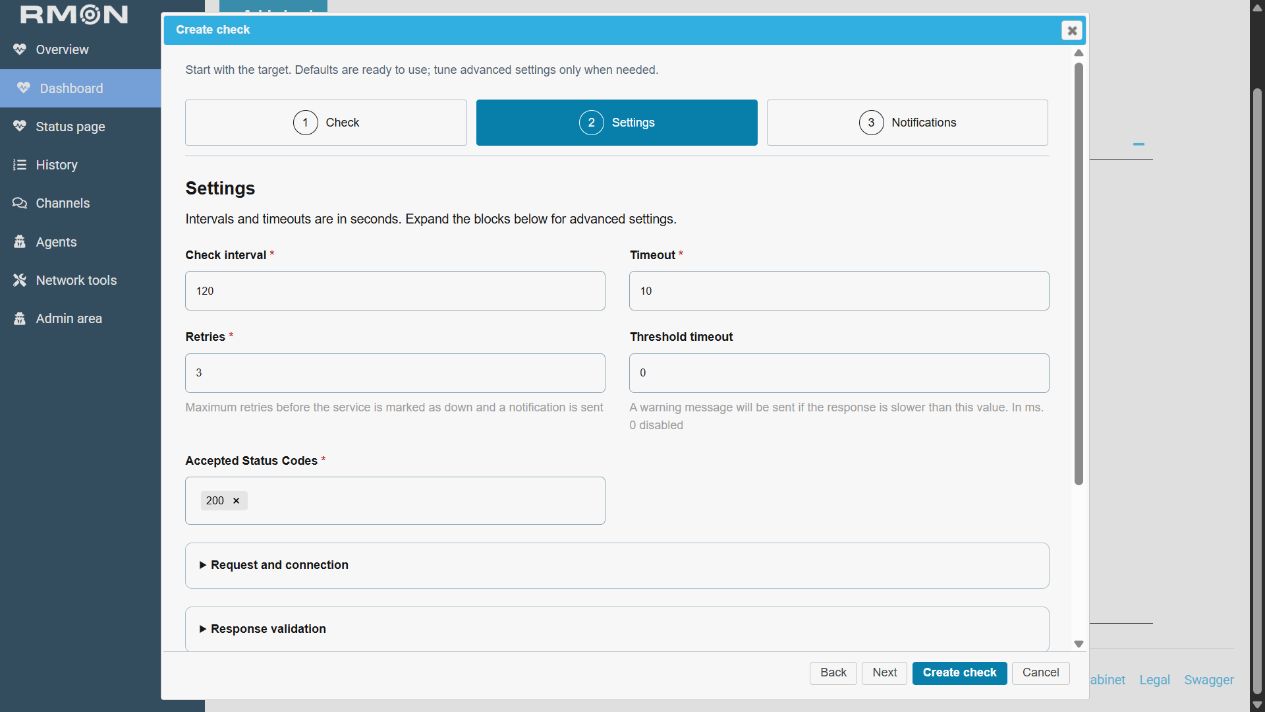
Set intervals and success conditions
Set intervals and success conditions. RMON 1.4, demonstration data. Click to enlarge.
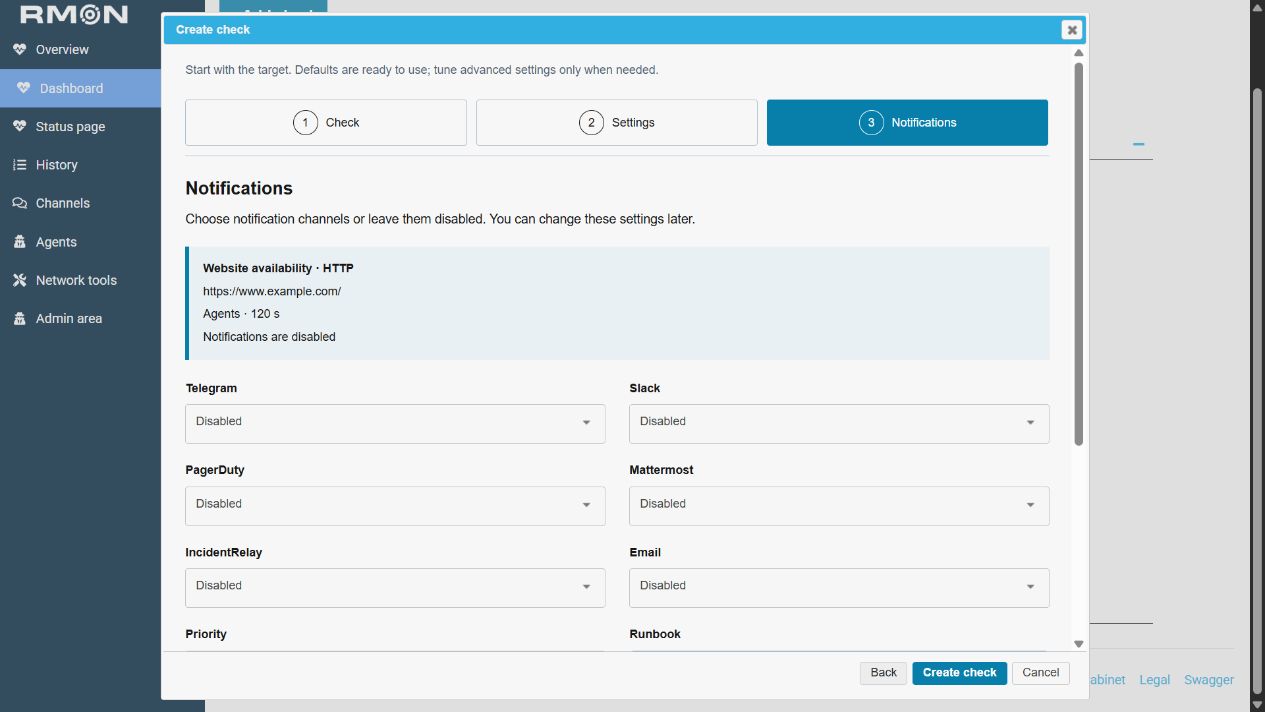
Choose notifications and check details
Choose notifications and check details. RMON 1.4, demonstration data. Click to enlarge.

Agents and secure result delivery
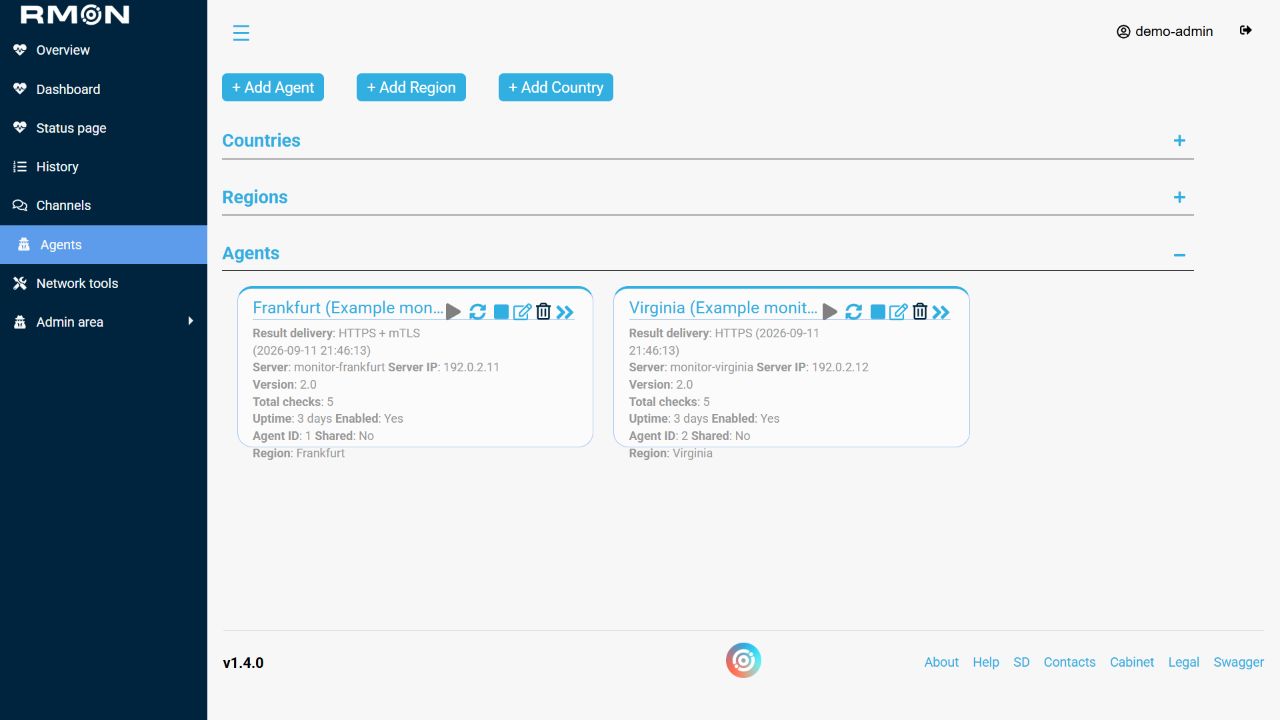
Agent status and result delivery
Agent status and result delivery. RMON 1.4, demonstration data. Click to enlarge.
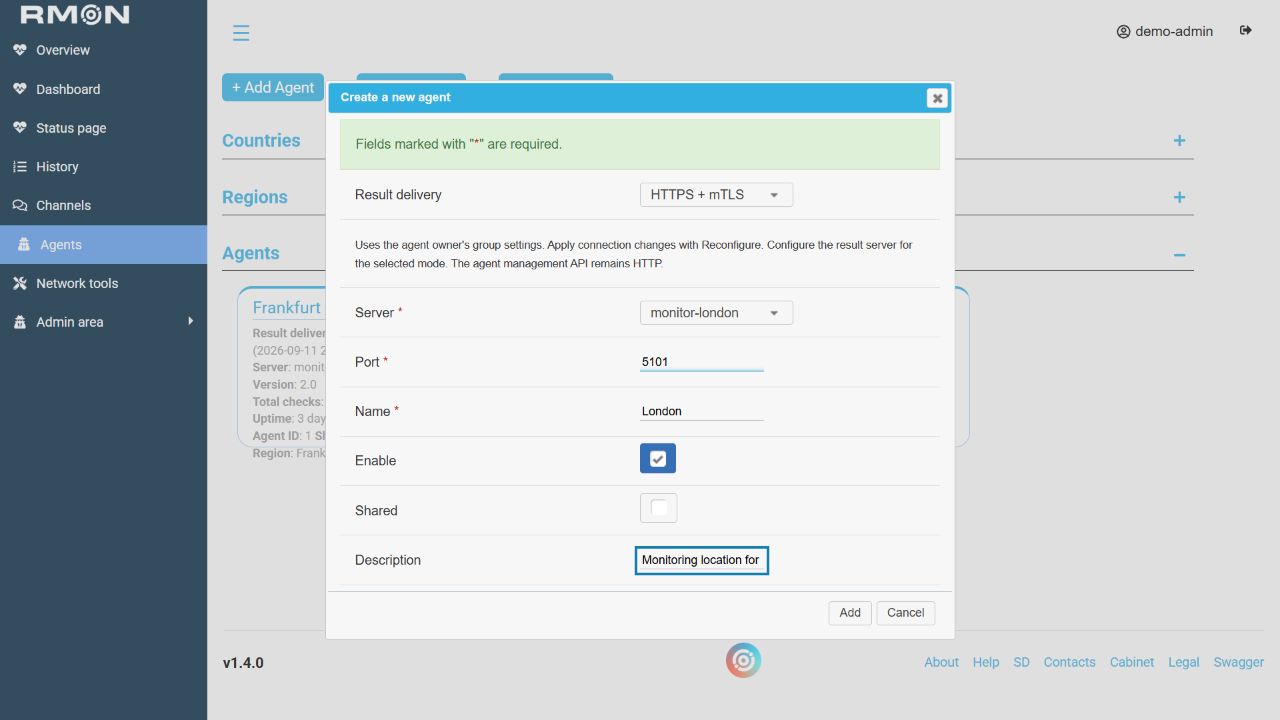
Install an agent using the group connection settings
Install an agent using the group connection settings. RMON 1.4, demonstration data. Click to enlarge.
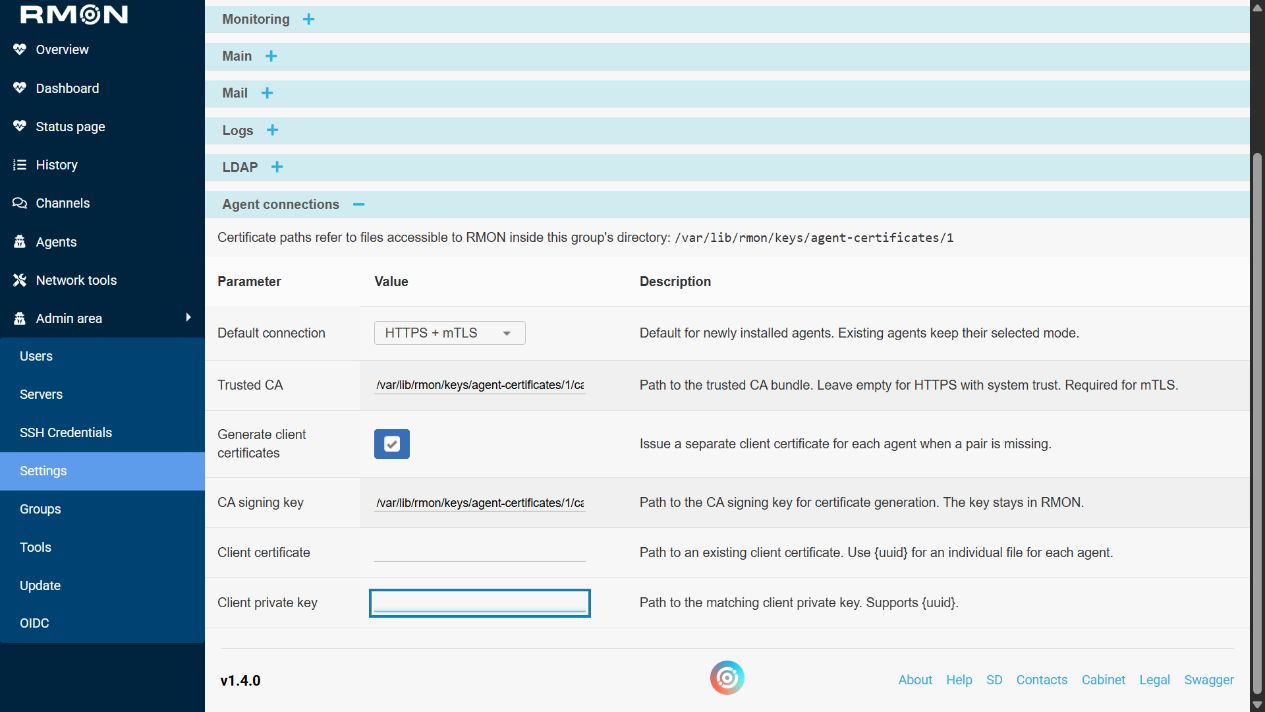
Certificate settings for the active group
Certificate settings for the active group. RMON 1.4, demonstration data. Click to enlarge.

Check history

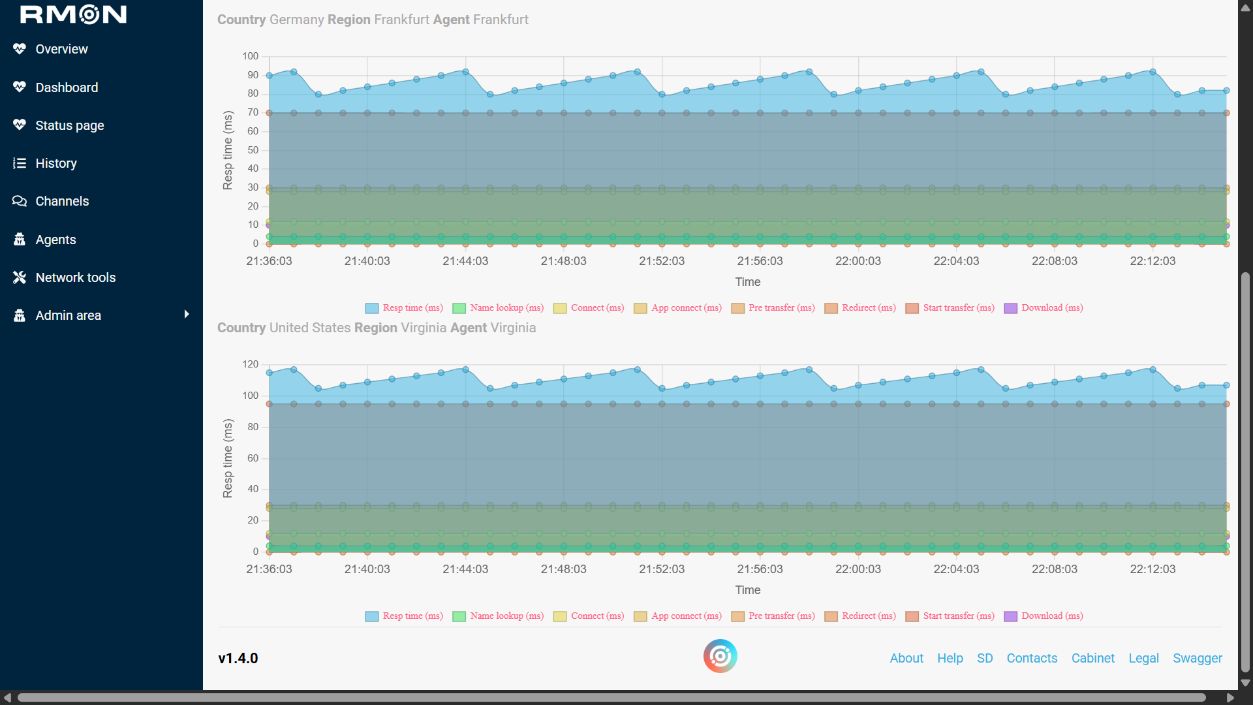
Response-time history from a monitoring location
Response-time history from a monitoring location. RMON 1.4, demonstration data. Click to enlarge.

Public status

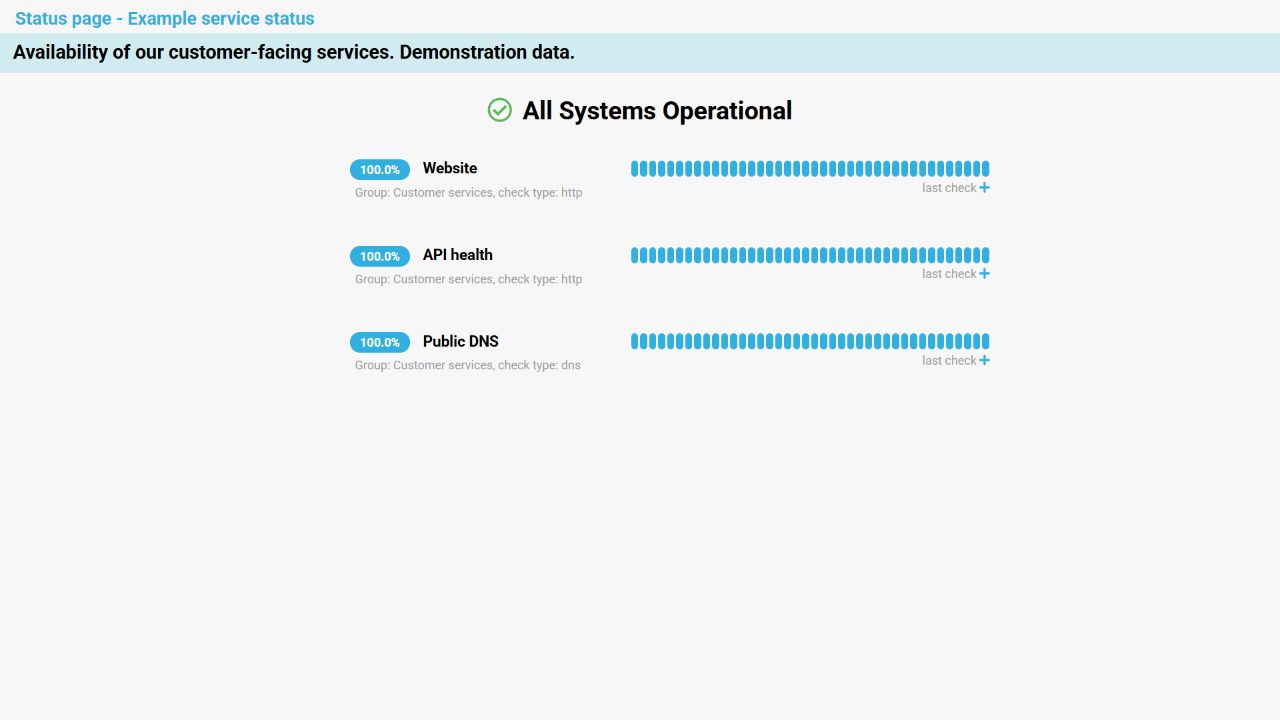
Availability shared with customers
Availability shared with customers. RMON 1.4, demonstration data. Click to enlarge.

Administration

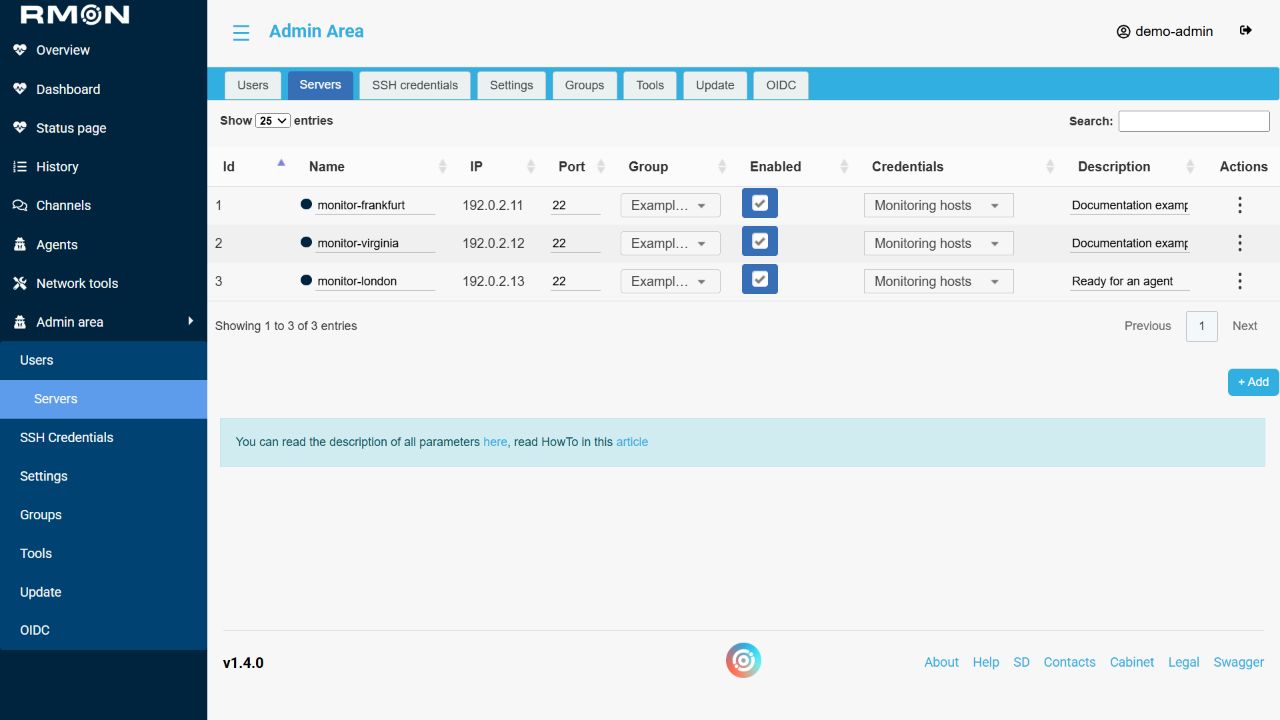
Agent hosts and SSH credentials
Agent hosts and SSH credentials. RMON 1.4, demonstration data. Click to enlarge.

Start with the setup guide or create your first check.